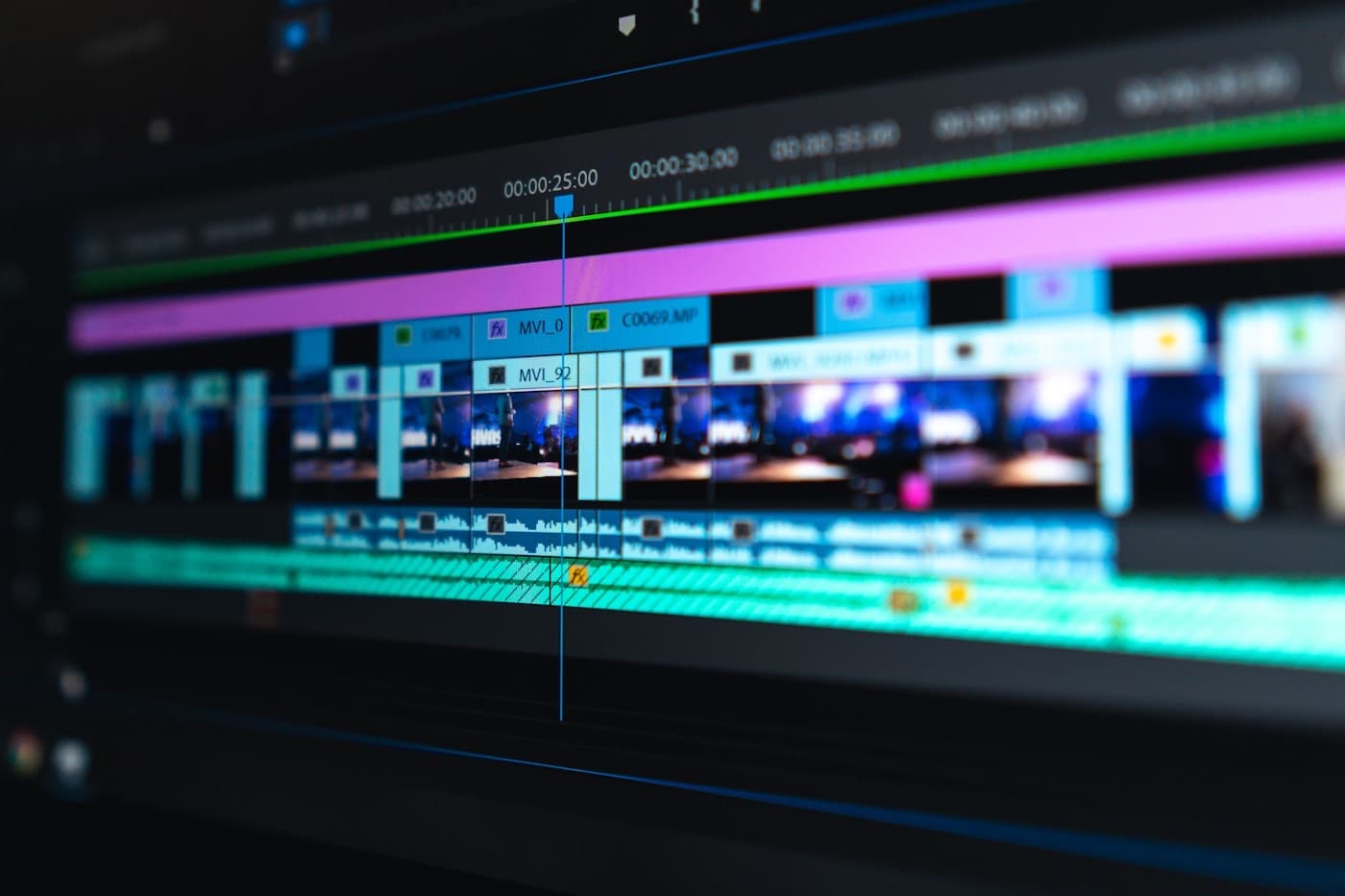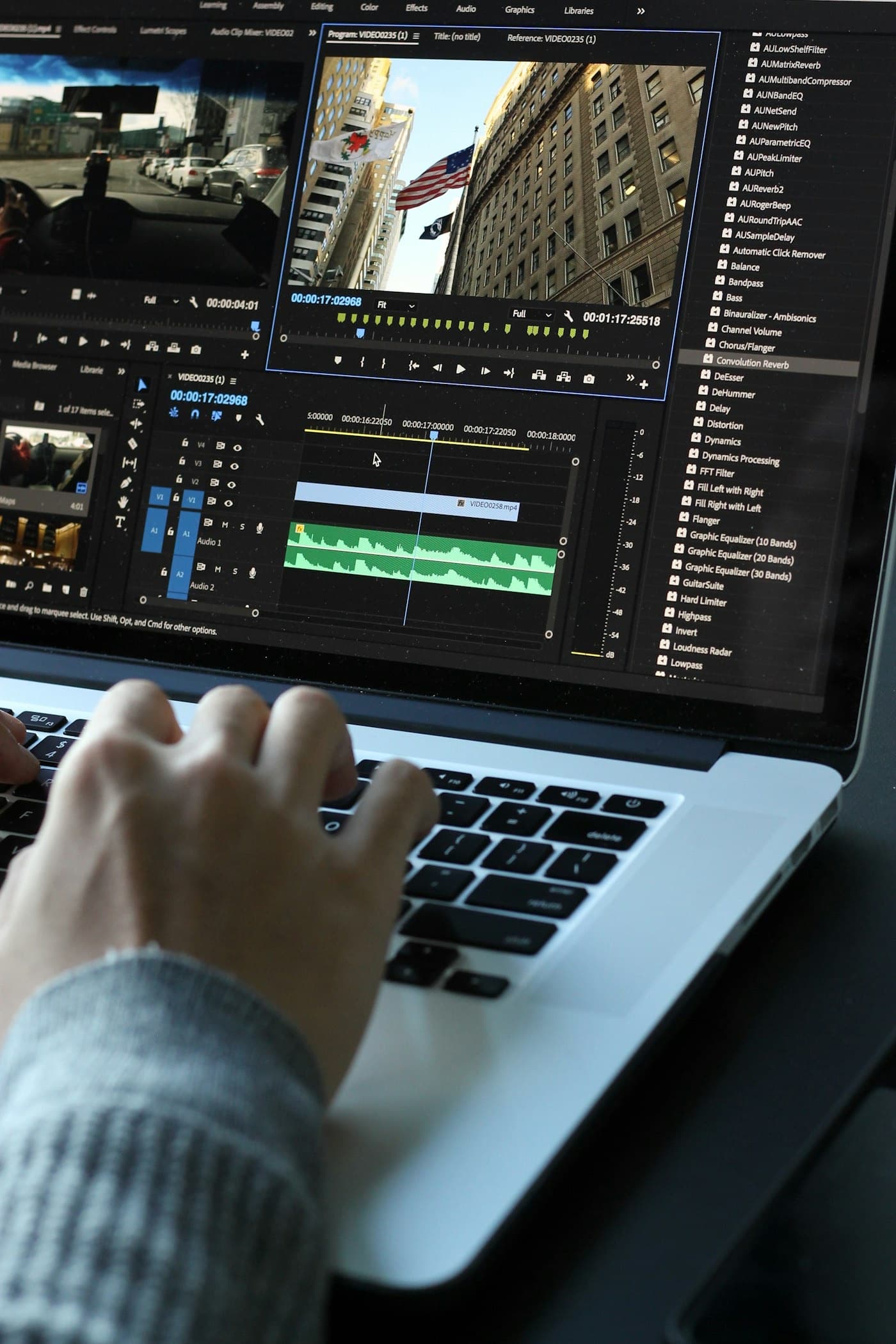
Yes — Adobe shipped one of its more practical Premiere Pro updates in a while on June 17, 2026: version 26.3, alongside a broader Creative Cloud refresh that rolled out the week of June 16. Less flash, more speed. Word-level AI captions, faster object masking, and a Firefly-and-Google-Veo-powered tool that turns a still photo into a moving clip. For any team producing brand video on a deadline, here is what actually changes — and what still needs a real editor behind it.
What Shipped in Premiere Pro 26.3
The release is built around the parts of an edit that eat the most time, not the parts that generate the flashiest demo clips:
- Single-Word Captions — captions now sync and edit at the individual word level, so fixing one word no longer means rebuilding the whole caption block. Built for exporting straight to Reels, Shorts, and TikTok.
- Faster Object Masking — quicker mask tracking and more reliable face-blurring and subject-isolation workflows, with new data restoration after project transfers.
- Firefly Boards Integration — sequences build automatically from assets imported out of Firefly Boards, keeping the selection order intact from concept to timeline.
- Productions Upgrades — a just-in-time upgrade workflow that only updates a project when it is opened, cutting upgrade time from hours to minutes on large shared projects.
- Stock Panel Checkout — preview and license Adobe Stock assets without leaving the timeline.
(Sources: Adobe Community, RedShark News)
The same week, Adobe pushed AI further into the rest of Creative Cloud: Lightroom's new Photo to Video feature animates a still image using Firefly and Google Veo, After Effects swapped Roto Brush for a four-tool Object Matte selection system, and Photoshop shipped an on-device generative Remove Tool plus reflection removal for glass and windows.
The Feature That Actually Matters for Social: Word-Level Captions
Most brand video lives or dies on mute. If a hook only lands in the audio, most of the feed never hears it — which is exactly why caption editing has been one of the slowest parts of any short-form workflow. Single-Word Captions removes the worst of that friction: fixing a mistranscribed name or nudging the timing on one word used to mean re-touching the whole line. Now it is a single edit. For a team turning one shoot day into a dozen short-form cuts, that is real time back — and it is the kind of update that earns its keep on volume, not on a single hero deliverable.
Faster Masking Solves a Real Houston Problem: UGC and Event Footage
Faster, more reliable object masking sounds like a small line item until you have shot a packed watch party, a retail activation, or a conference floor. Every one of those shoots comes back with bystanders in frame who never signed a release — and blurring faces clip by clip has long been one of the slowest steps in turning event footage into something postable. Quicker mask tracking that holds up across a noisy, crowded frame means faster turnaround on exactly the kind of UGC and event content Houston brands have leaned on hard this year, World Cup watch parties included.
Photo to Video: A Still Library Becomes Motion Content
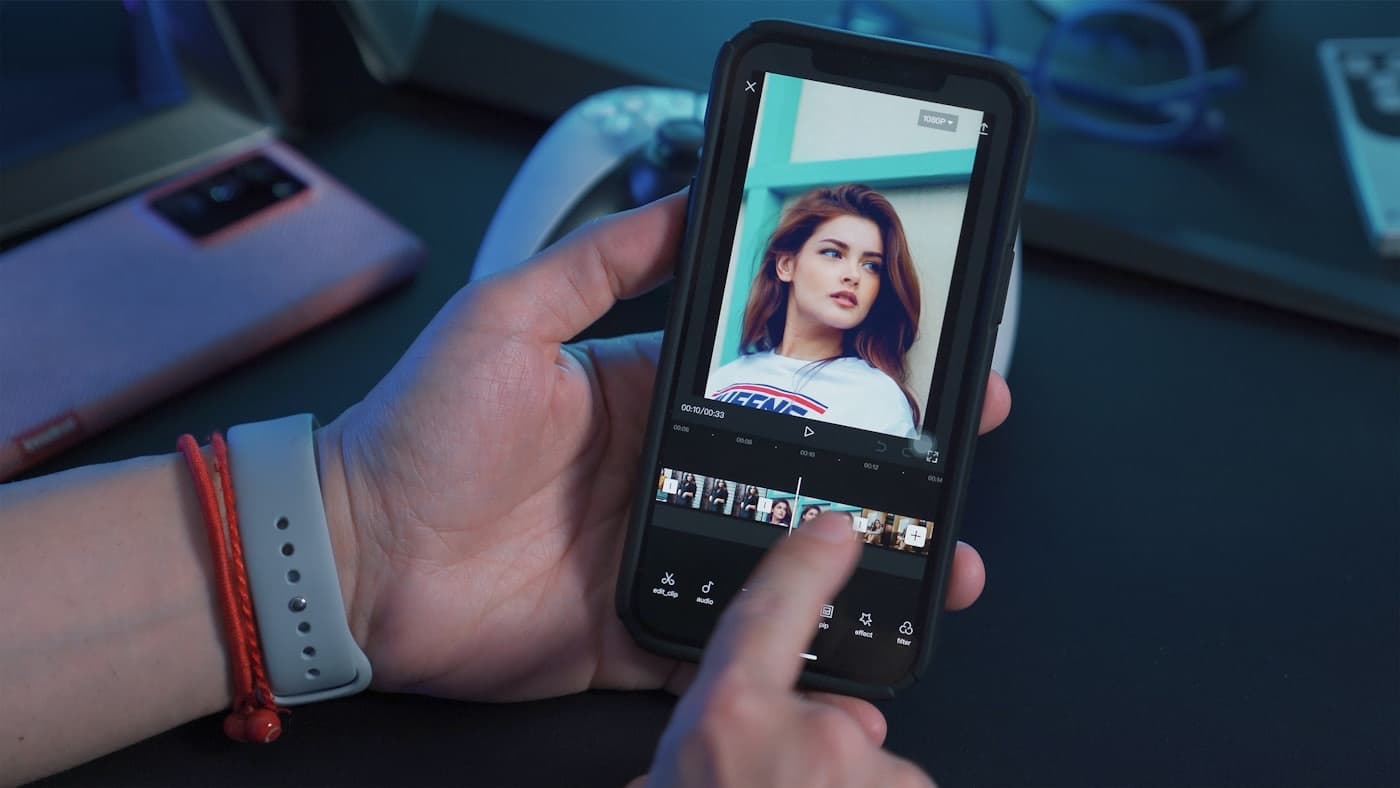
Lightroom's Photo to Video, powered by Firefly and Google Veo, takes a still image and generates motion around it — auto-suggested or custom-prompted. For brands sitting on a deep photo library — product shots, headshots, real estate stills, event photography — that is a way to get usable motion content out of an asset that was never shot to move, without booking a second shoot day. It is not a replacement for shooting video in the first place. It is a way to stretch what a brand already has.
What These Tools Don't Replace
None of this changes what makes a video worth watching. Faster captioning does not decide which line deserves the on-screen text. Faster masking does not decide which clip from a four-hour shoot day actually earns the post. Photo to Video does not decide whether a still was strong enough to be worth animating in the first place. That judgment is still the job — these tools just clear more of the mechanical work out of the way so the judgment gets applied to more footage, faster.
That tracks with where the rest of the industry is pointing right now. Cannes Lions wrapped this week with jurors making the same point about AI in advertising broadly: using the tool is no longer the story, and proving the outcome is what wins.
What This Means for Houston Brands
A few things worth acting on if your team uses Premiere Pro, or hires a production partner who does:
Ask your production partner what their actual turnaround looks like now. If captioning and masking used to be the bottleneck between a shoot day and a published cut, that bottleneck just got smaller. A partner running current tools should be delivering more cuts per shoot day than they were six months ago — ask what changed.
Audit your photo library before your next shoot. If you are sitting on strong product or event photography that never got turned into video, Photo to Video is worth testing before assuming you need a full reshoot to get motion content out of it.
Don't mistake faster tools for a faster strategy. A quicker caption edit and a quicker mask still need a clear idea behind them. The brands getting the most out of these updates already know what they want a video to do — the software just gets them there with fewer hours lost to the mechanics.
Freddyville runs every Always-On Content program on current post-production tooling, so a shoot day turns into more usable cuts, faster, without losing the editorial judgment that decides what is actually worth posting and made to last. If your content program could use a faster turnaround without trading away the craft, start a project and we will show you what a shoot day can produce now.