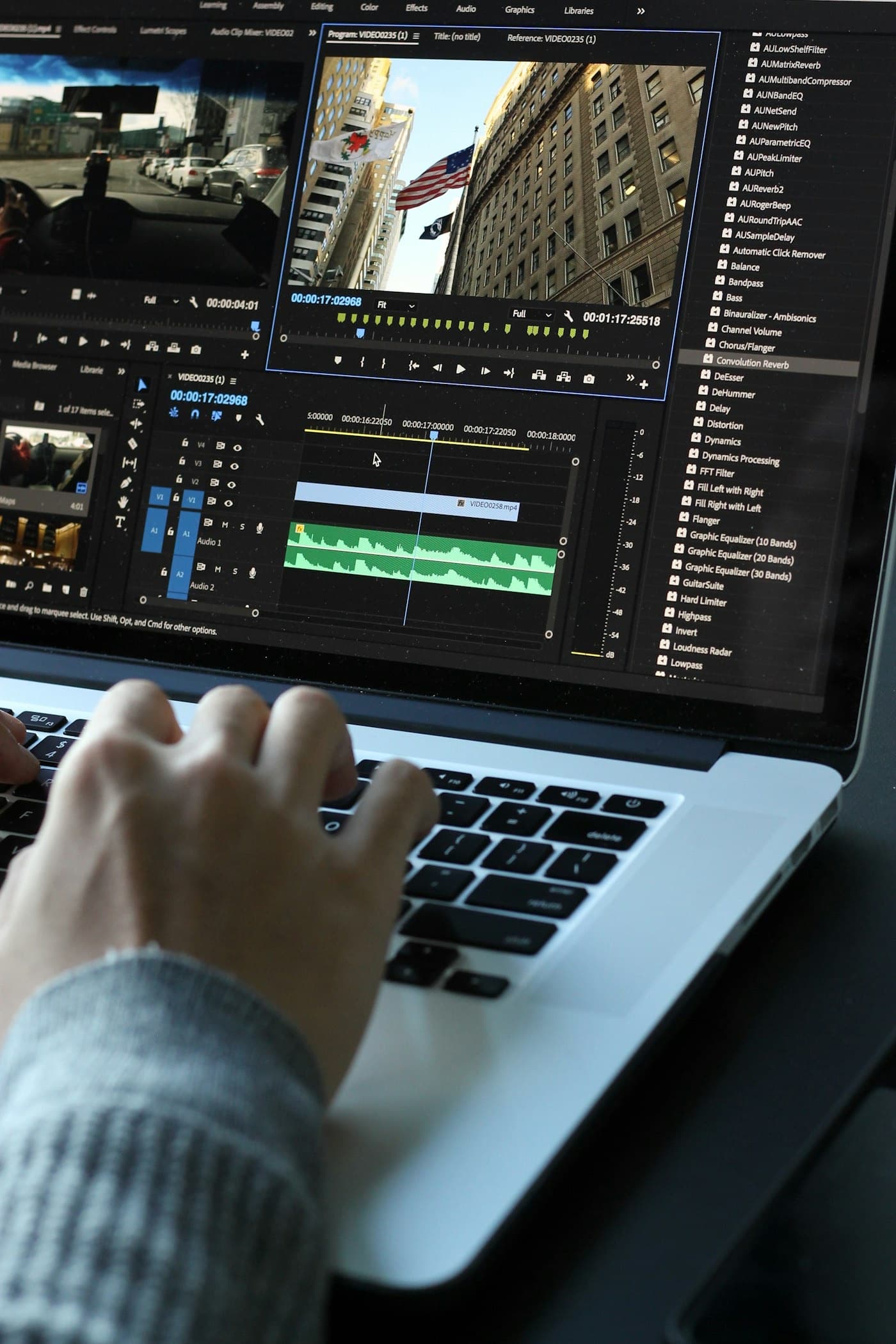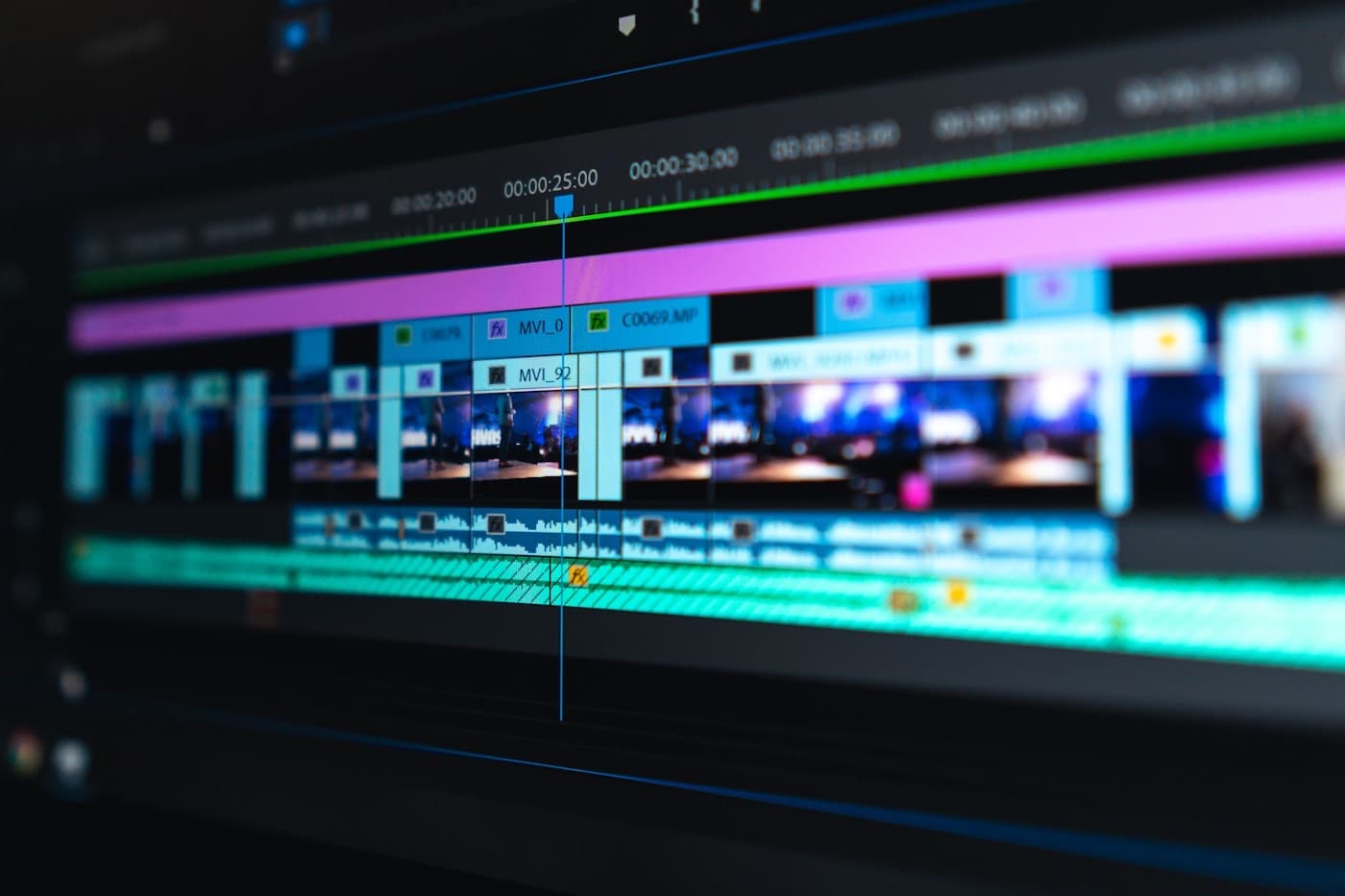
DaVinci Resolve 21, released June 3, 2026, is the largest update in the software's history — and it ships entirely free. Eight new AI tools, a new Photo page for professional still-image editing, over 100 new motion graphics effects, and GPU-accelerated batch exports. For video production teams and the brands that hire them, the upgrade changes what professional post-production looks like and how fast it moves.
Here is a straight breakdown of what shipped and what it means.
What Is DaVinci Resolve 21?
DaVinci Resolve is Blackmagic Design's professional non-linear editing, color grading, VFX, and audio software — the industry standard for color work on commercial productions. Version 21, released June 3, 2026, is the most significant feature release the platform has ever shipped. Every major new feature is available in the free tier.
The AI Tools That Shipped in Resolve 21
Eight new AI tools landed in this release. The ones that directly change production workflows:
- IntelliSearch — locate any clip in a project using natural language. Describe what you need ("speaker at podium, tight close-up") and Resolve surfaces the matching footage. On a shoot with hundreds of clips, this removes hours of manual logging.
- CineFocus — adjust the focal point of footage in post, after capture. Shift focus from foreground to background without a reshoot. A real rescue tool for focus pulls that didn't land perfectly on set.
- AI Speech Generator — converts written text to spoken voice for temp audio, scratch narration, or internal review cuts.
- AI Face Age Transformer — age or de-age a subject in post. Most useful for visual storytelling projects that span time.
- Krokodove toolset — 100-plus new motion graphic effects, now native in Resolve.
- Lottie animation support — production teams working with animated brand assets can now render directly in the same pipeline.
The New Photo Page
Resolve 21 adds a complete standalone photo editing environment inside the application — the same professional color tools used on footage, now applied to stills. It supports native RAW files from Canon (CR3), Panasonic (RW2), Fujifilm (RAF), and Apple ProRAW, plus Lightroom catalog importing and Apple Photos integration on macOS.
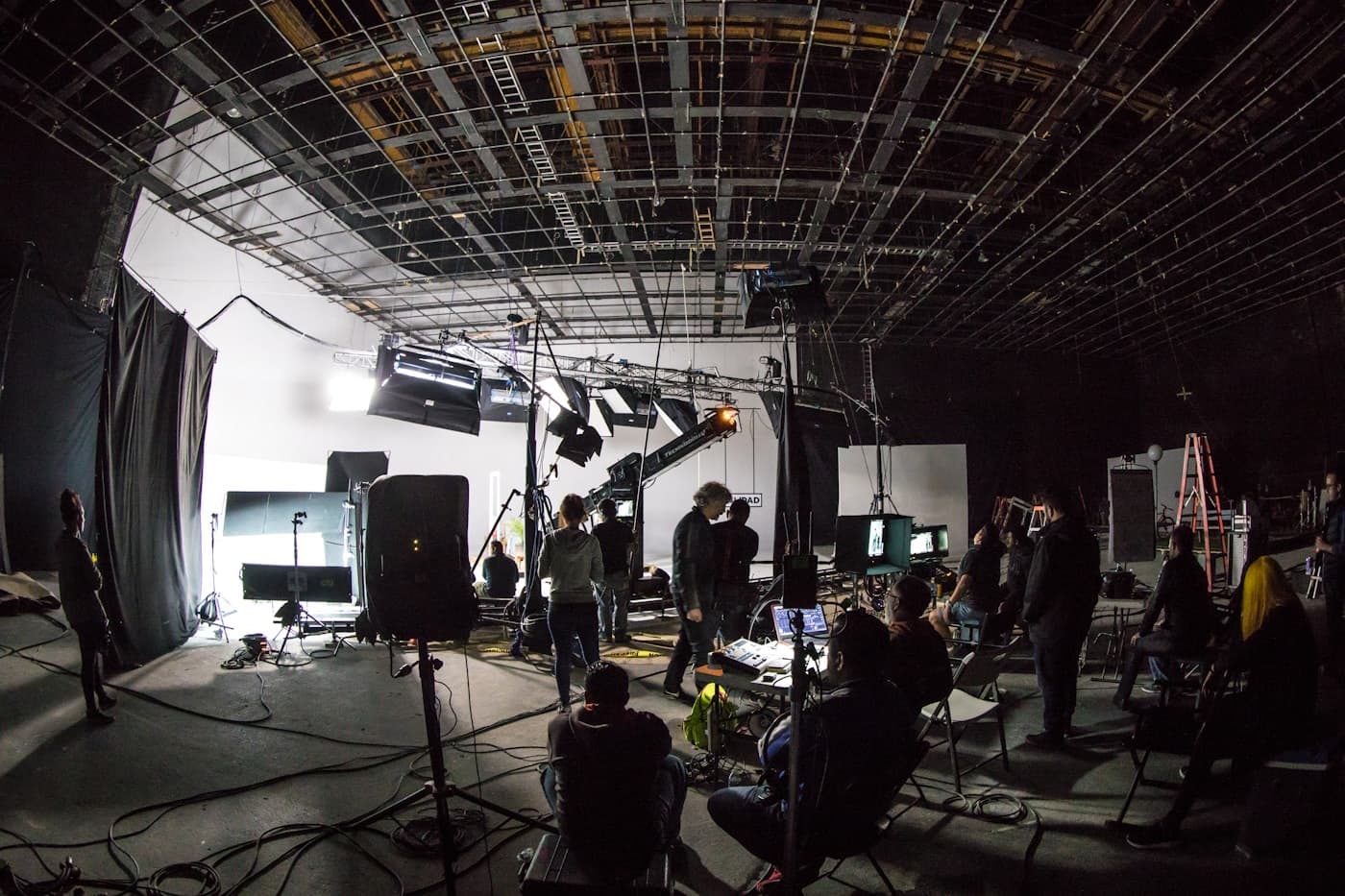
For production teams that deliver both video and stills from the same shoot, this means the entire asset pipeline can live in one application. Consistent color treatment across your hero video, social stills, cutdowns, and thumbnails — from a single session, in a single tool.
What Faster Tools Don't Replace
AI-assisted clip search and focus correction change how fast a skilled editor works. They do not change what a skilled editor decides.
A great edit earns attention in the first second, holds it through structure, and closes with a moment that drives the viewer toward an action. IntelliSearch speeds up locating the right clip — it doesn't identify which moment is the right one. CineFocus rescues a focus miss; it doesn't replace the shot discipline that makes footage watchable in the first place.
The gap between good tools and good judgment is where the outcome is made. Resolve 21 raises the floor on what professional post-production can deliver. It doesn't close that gap.
What This Means for Houston Brands Hiring a Production Partner
Two things shift when post-production tools get significantly more capable:
Turnaround gets faster for teams running them. Production companies on Resolve 21 workflows can log a large shoot more efficiently, pull selects faster, and deliver review cuts sooner. If your last project had a two-week post timeline that felt longer than it should have, it's worth asking what tools and workflows your production partner runs.
The deliverable set expands without adding shoot days. Teams that deliver stills alongside video can now run the entire asset set through a single color-graded pipeline — consistent look across every channel from one day of capture. That matters when your social stills, hero video, ad cutdowns, and thumbnails all need to feel built for the same brand.
Freddyville's post-production pipeline is designed to move fast without trading craft for speed — professional color work on every project, selects pulled from full shoot libraries, and a deliverable set that covers every channel from a single shoot day.
If you want to talk through what a production partner running current tools can do for your content program, start a project and we'll scope it with you.